

Your Rapid Game Hub — All Classic Games in One Tap
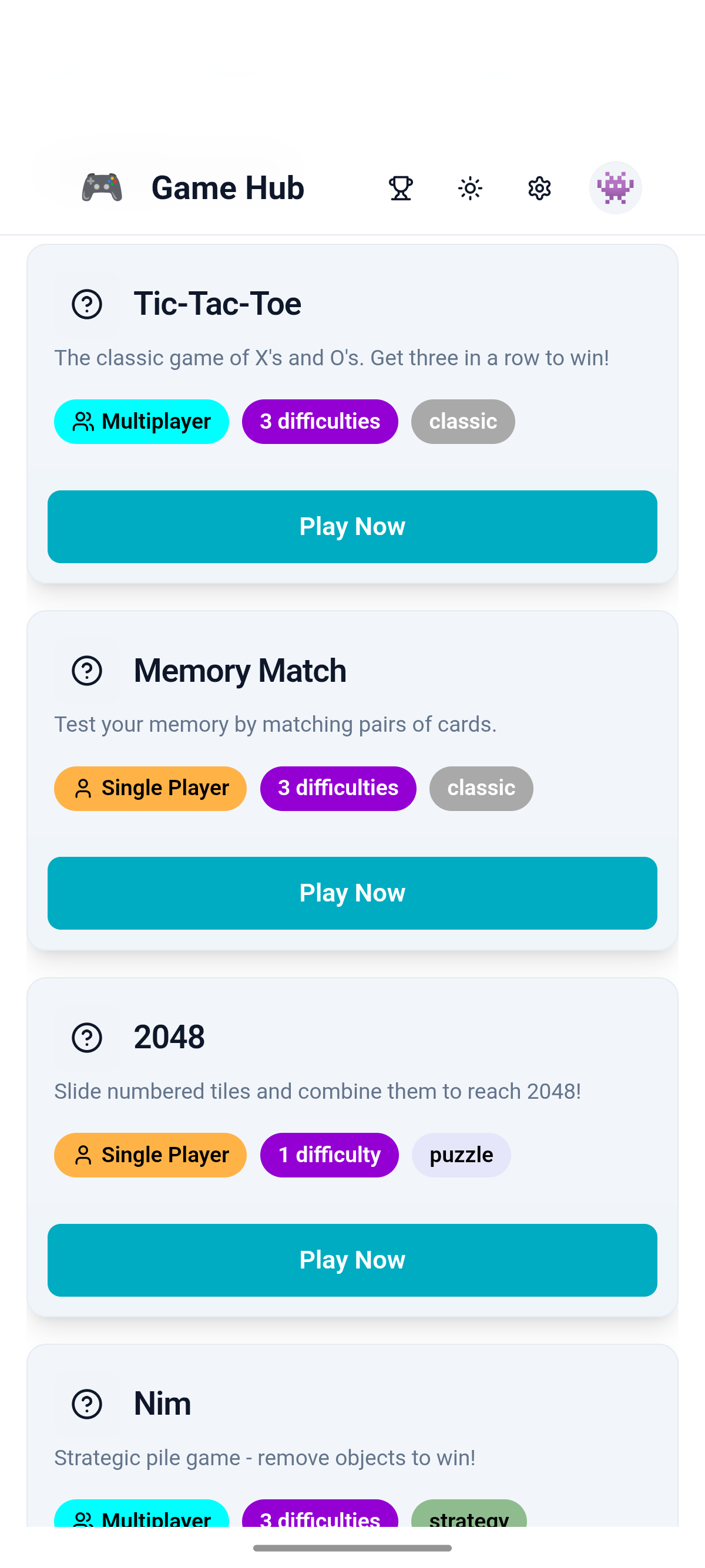
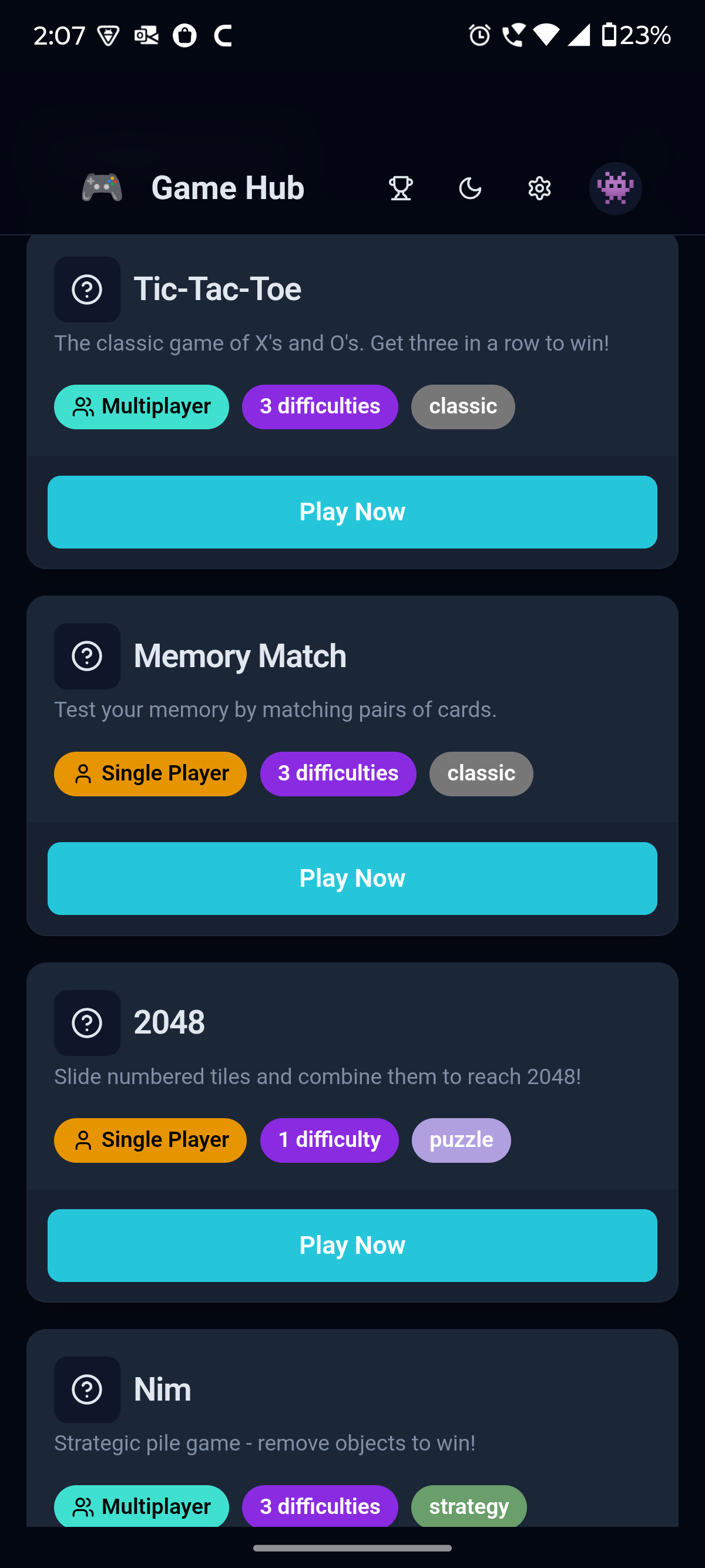
2048, Memory Match, TicTacToe, Nim and more, packed into one lightweight app. No searching, no juggling downloads. Open Game Hub and you're already playing.
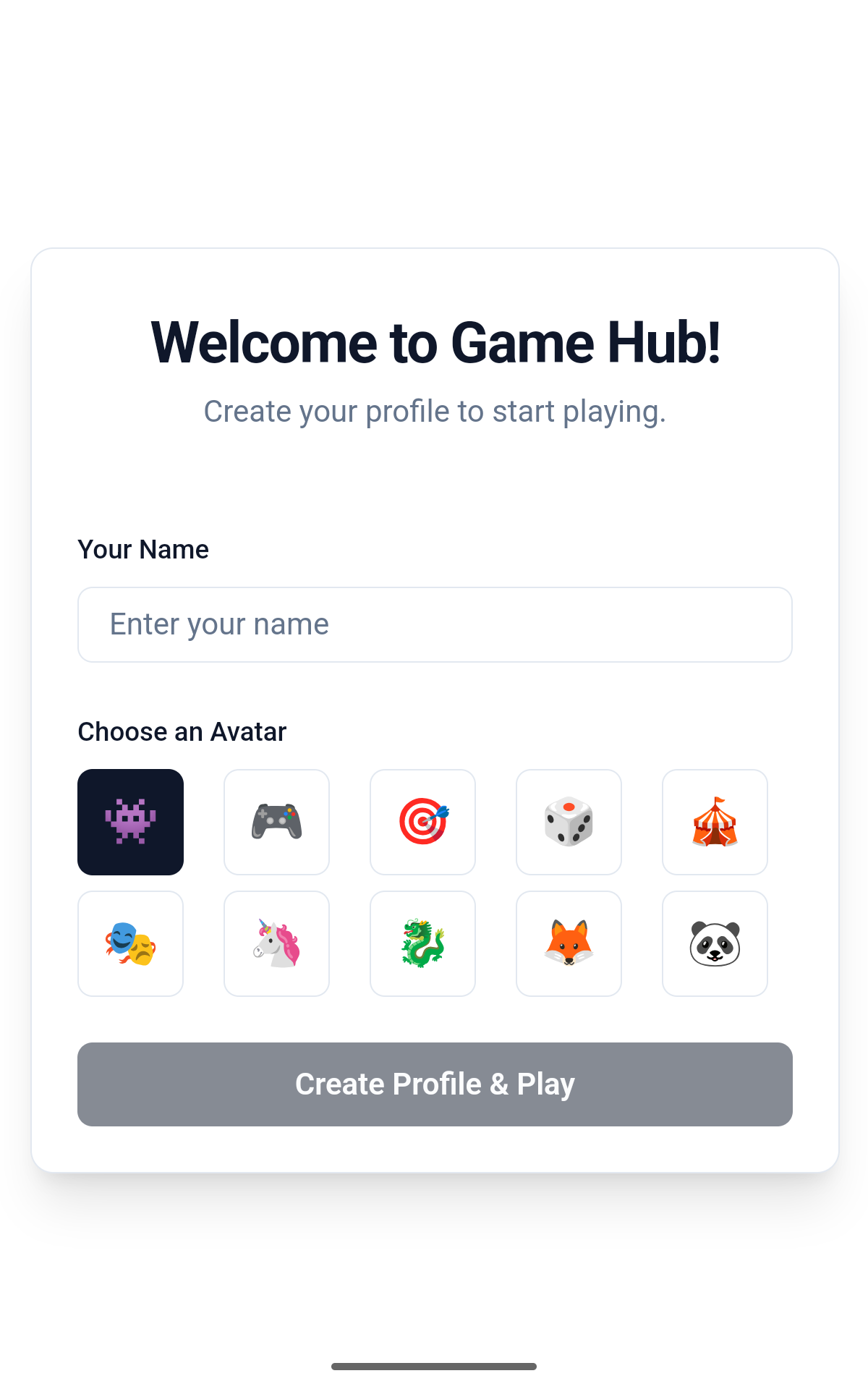
Free on Google Play. No account needed to start.
Four classics to start. More on the way.
Every game in the hub is quick to learn and hard to put down. Perfect for a two-minute break or a long evening on the couch.
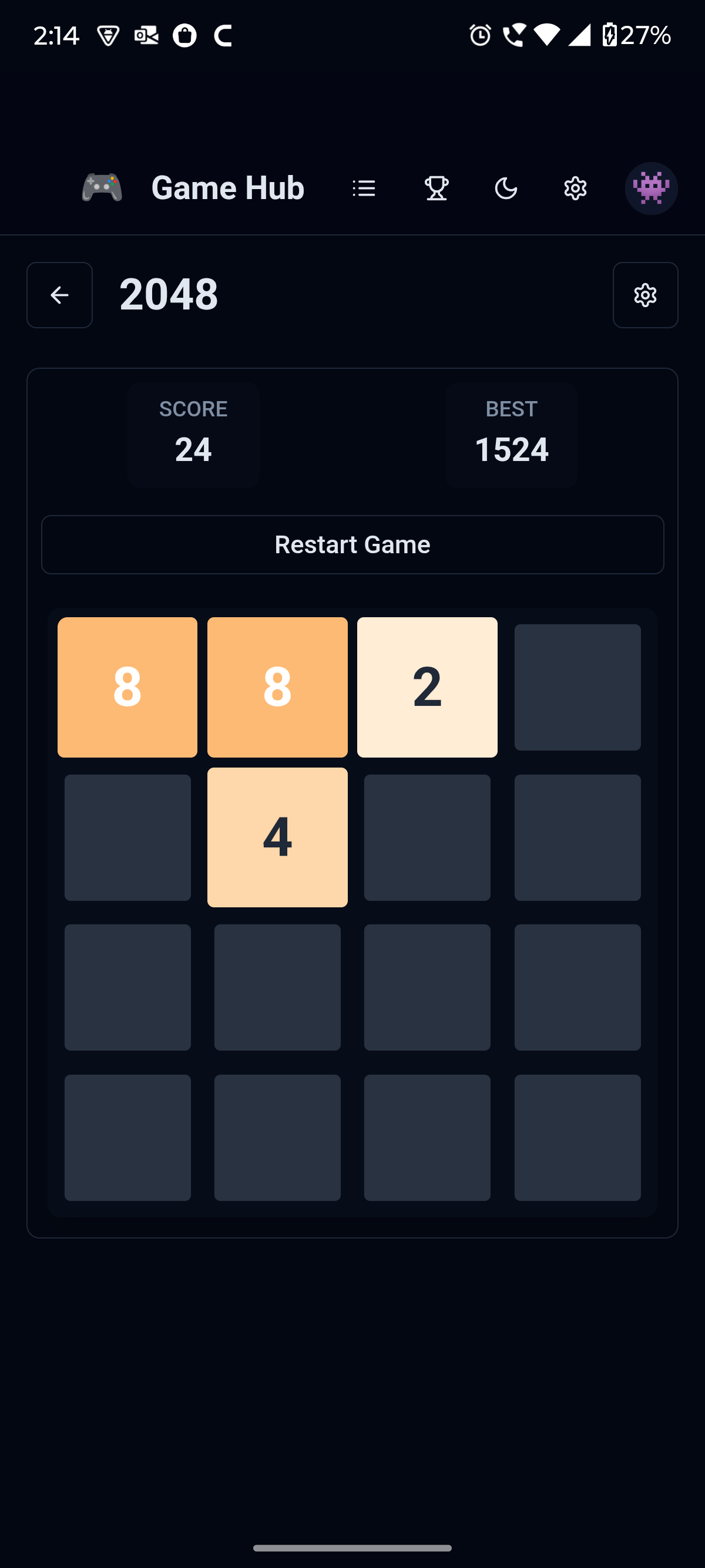
2048
Slide the tiles, merge the numbers, chase that elusive 2048 tile. Simple rules, endless "one more try" energy.
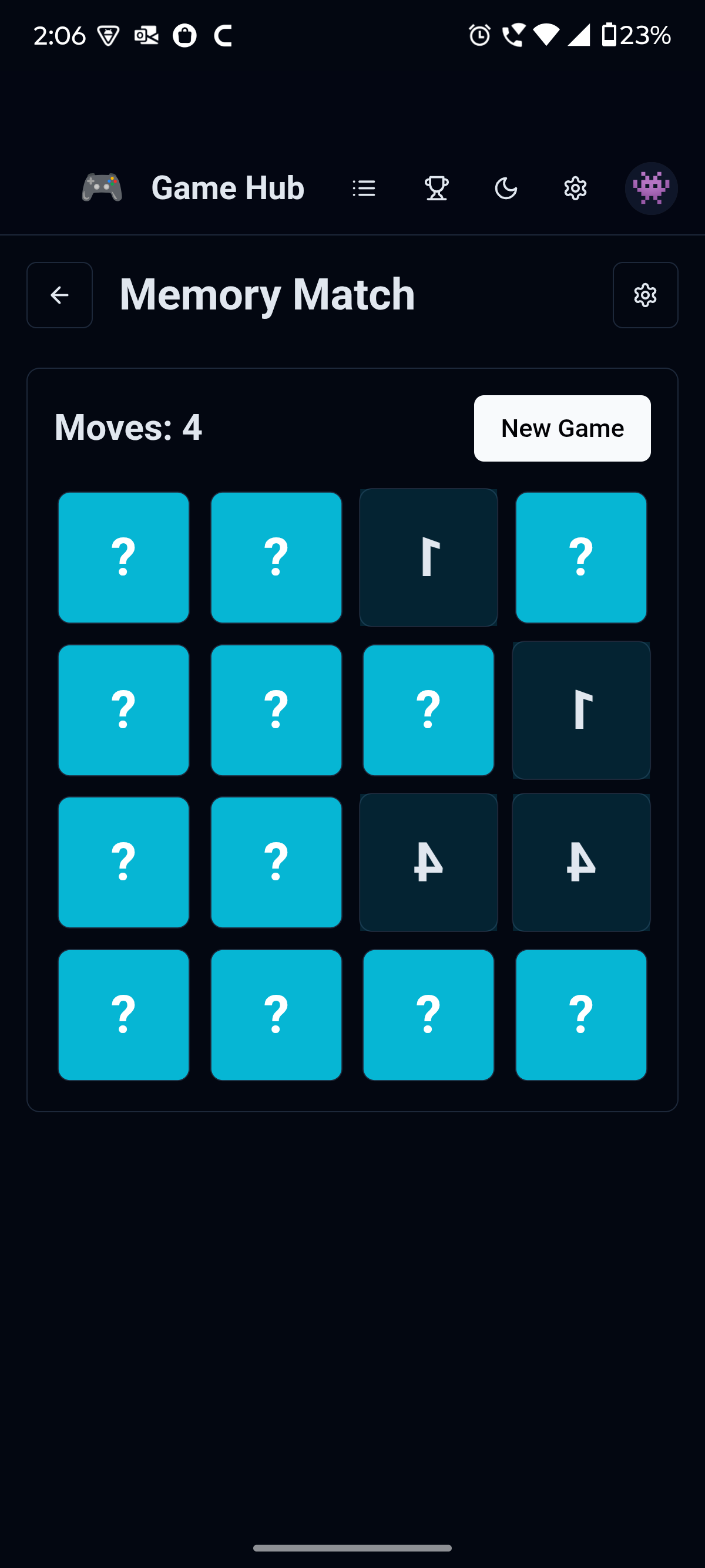
Memory Match
Flip the cards, find the pairs, beat your own best time. A proper workout for your recall without feeling like homework.
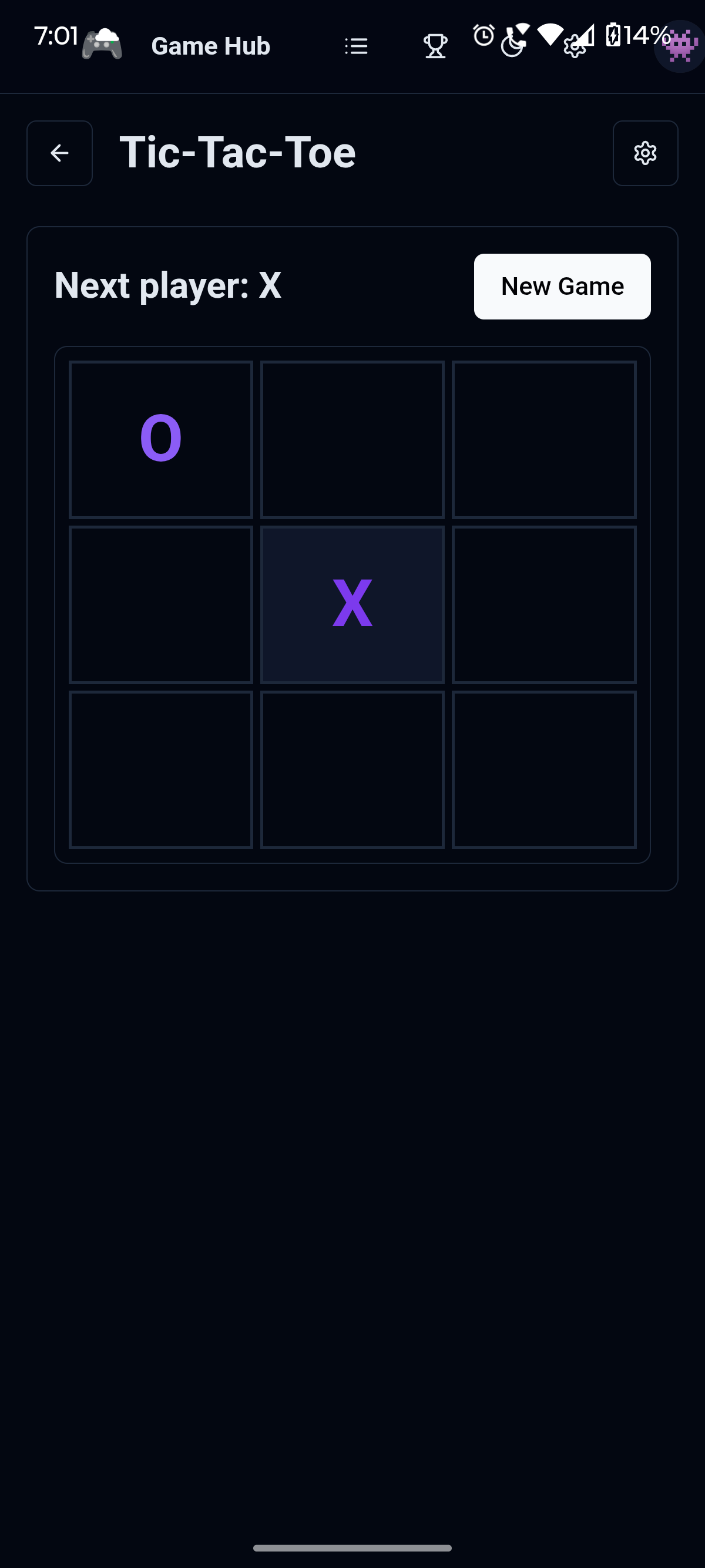
TicTacToe
The playground classic, sharpened up. Play against the app or pass the phone to a friend and settle it the old way.
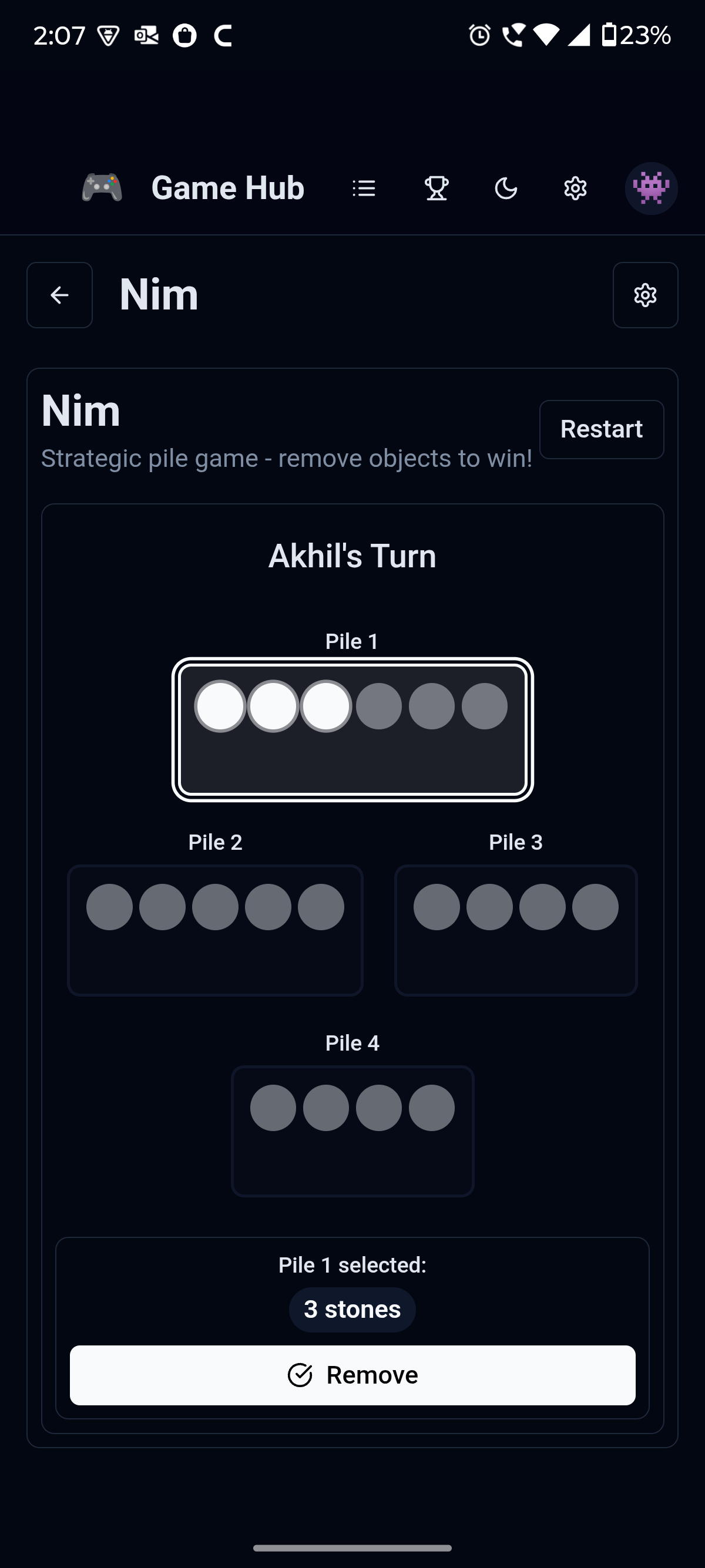
Nim
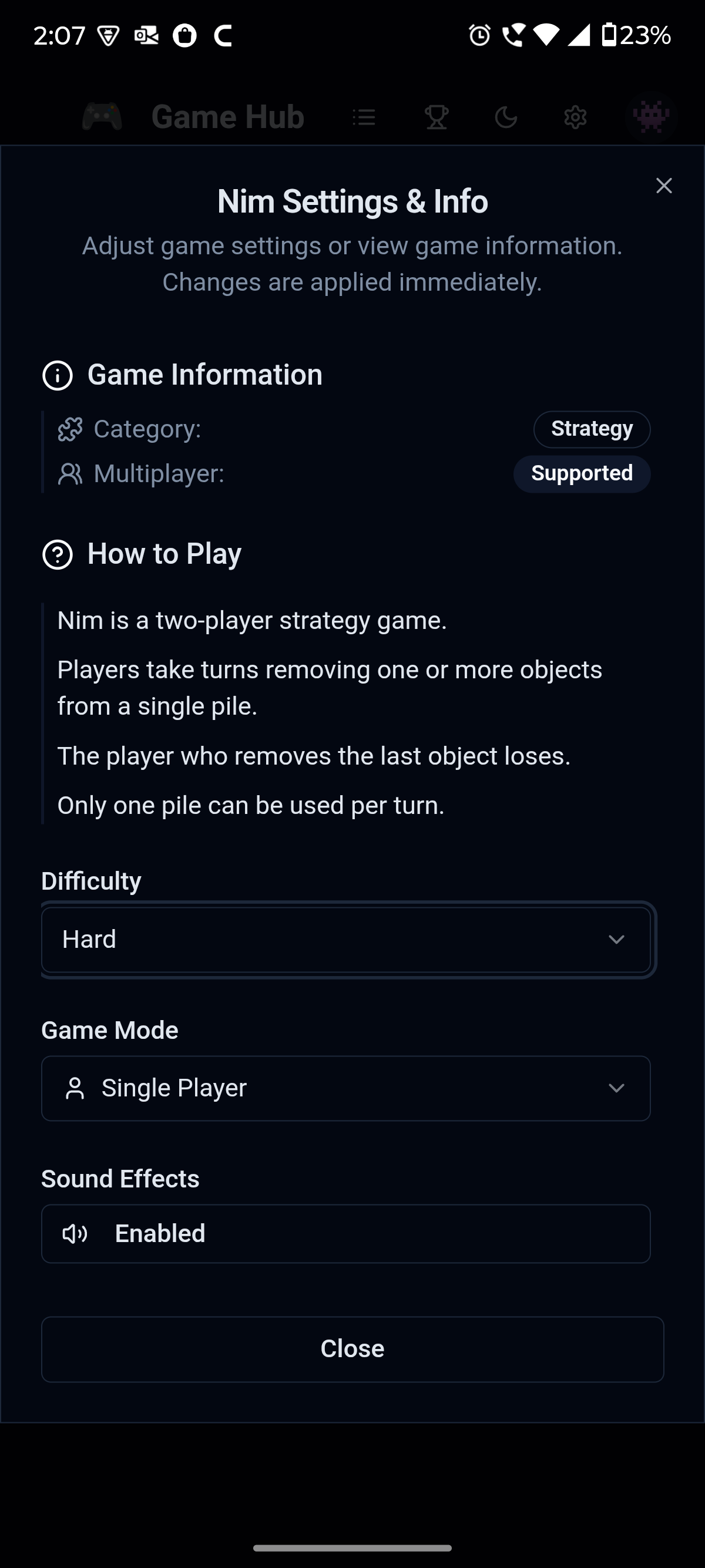
The oldest strategy game you've probably never played. Take objects from piles and force your opponent into the last move. Deceptively deep.
One download covers all of them — and everything we add next.
See Game Hub in action
Built for people who just want to play
One App, Many Games
Stop hunting through the store for decent versions of the classics. Game Hub keeps them all in one place, in one small download, behind one icon on your home screen.
Sharpen Your Mind
These aren't idle tappers. Memory, pattern recognition, planning ahead — each game nudges a different part of your brain while you're just having fun.
Always Growing
The hub isn't finished, and that's the point. New games arrive in regular updates, so the app you install today keeps getting better without you doing a thing.
From store to first move in under a minute
Install
Tap the download button and grab Game Hub from Google Play. It's a small app, so it lands fast even on a slow connection.
Pick a game
Open the app and you'll see the full grid of games right away. No menus to dig through, no setup screens.
Play anywhere
Once installed, the games run right on your phone. Waiting rooms, flights, the back seat of a road trip — the hub is ready wherever you are.
Questions people actually ask
Can I play offline?
Yes. The games run directly on your device, so once Game Hub is installed you can play without a connection — on a plane, on the subway, anywhere.
Is it family-friendly?
Completely. There's no violence, no chat with strangers, and nothing you'd worry about handing to a kid. Just classic puzzle and logic games.
Is it really free?
Yes, Game Hub is free to download and play from Google Play.
How big is the app?
Small enough that you won't think twice about it. It's designed to be light on storage and quick to install.
Will new games be added?
That's the plan and the promise. Updates roll out regularly, and every new game shows up in your existing app automatically.
How do I get in touch?
Suggestions and bug reports are always welcome. You can reach the developer through the contact details on the Game Hub page on Google Play.